
SaaS Onboarding Explainer
Trusted by 1M+ businesses to deliver 12B+ messages daily, OneSignal is the world’s leading customer engagement platform for onboarding, engaging, and retaining users across every messaging channel.
A 90-second onboarding video for OneSignal’s Quickstart Guide, designed to help new users build a clear mental model of how the platform works before they ever log in. Built to be evergreen and concept-driven rather than UI-dependent, so it remains accurate as the product evolves.
• Role – Concept · Design · Animation
• Tools – After Effects · Figma · Premiere Pro
Problem
Non-technical users frequently inherit partially configured OneSignal dashboards from developers who have moved on.
This creates “it’s not working” support tickets that could often be resolved in minutes with a short product walkthrough.
Goals
• Build a clear mental model of the OneSignal dashboard.
• Give users enough orientation and confidence to find answers independently.
• Produce an evergreen video with a 2-3+ year shelf life that stays accurate as the dashboard evolves.
Creative Strategy
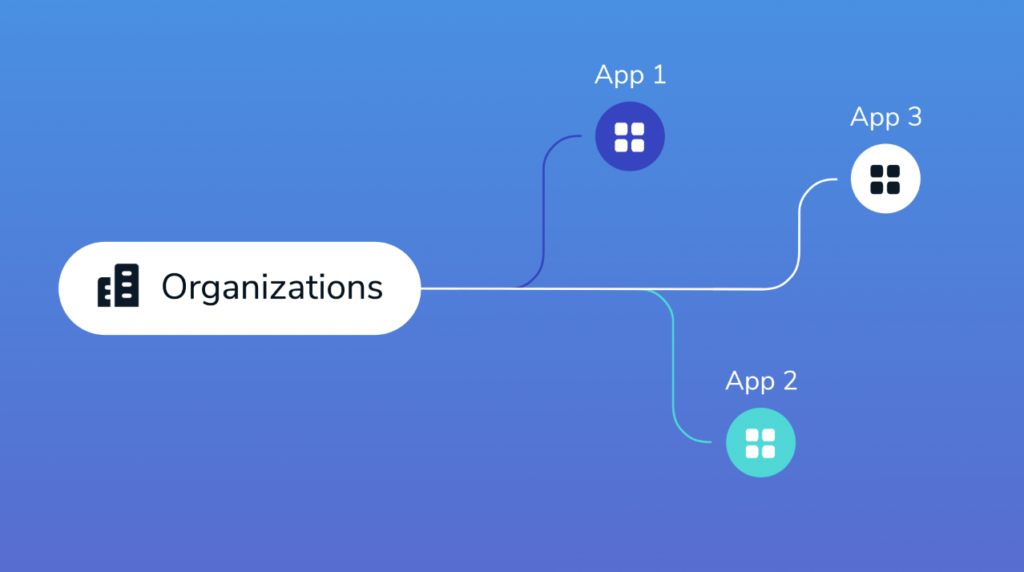
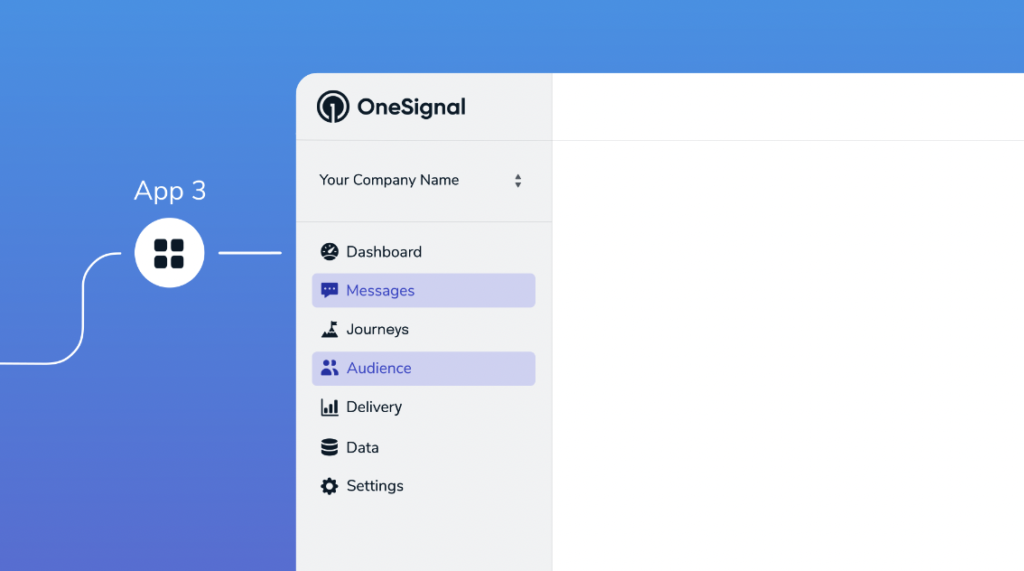
The goal is not to show users the product but to show them how to think about it. Concepts are visualized through animated architecture diagrams, not live UI screenshots, anchored to OneSignal’s sidebar navigation icons. This approach works on three levels:
• Evergreen Concept diagrams do not break when the UI updates. Only the icons are tied to the product.
• Familiar Sidebar icons give users a visual anchor to locate features in the real product.
• Scalable Future videos can adopt the same diagram language as a shared visual vocabulary.
Process
• Communication
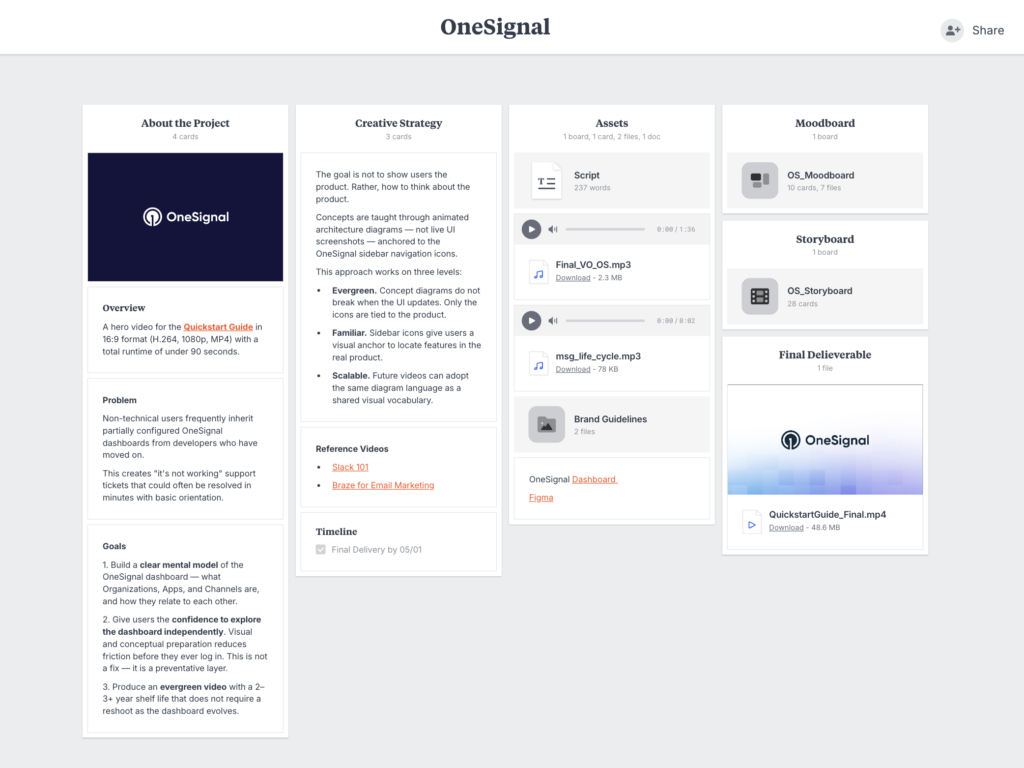
All project communication and assets were managed in a shared Milanote workspace, keeping the project transparent and aligned from kickoff through delivery. Each phase was deliberately planned and communicated before moving to the next, all in one place.
• Research
Research went beyond the supplied brand guidelines and Figma assets. OneSignal’s website, YouTube channel, and blog were studied to understand how the brand is executed across its own channels, which surfaced a clear visual evolution in its style. This made sure the video reflected the brand’s current direction and fit naturally alongside recent content.
• Script
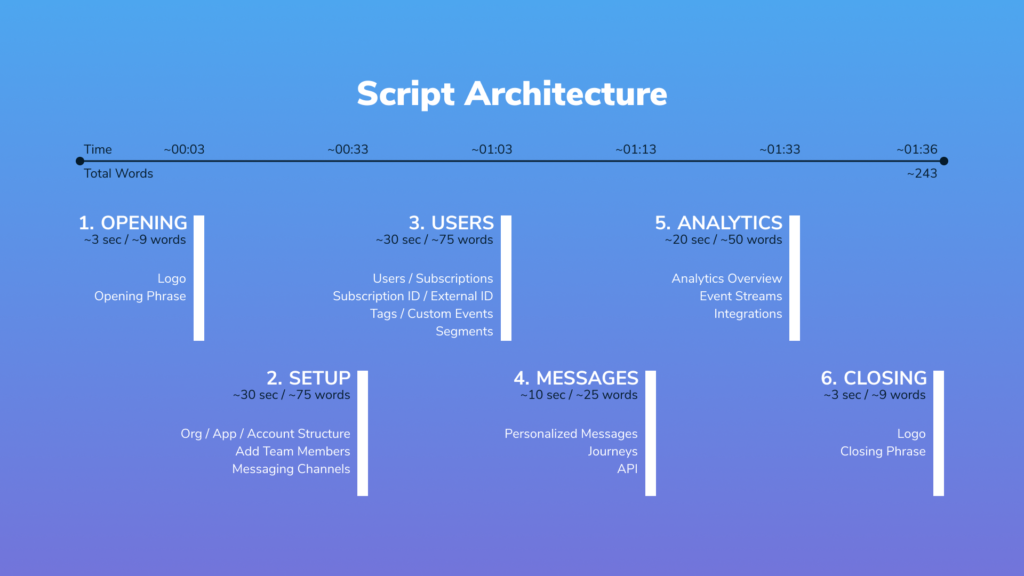
The documentation was studied end to end and the product demoed through direct dashboard access. From there, the concept hierarchy was mapped and the script timing structured. This framework gave the OneSignal team a clear foundation to fill in the product-specific details when writing the script.
• Audio
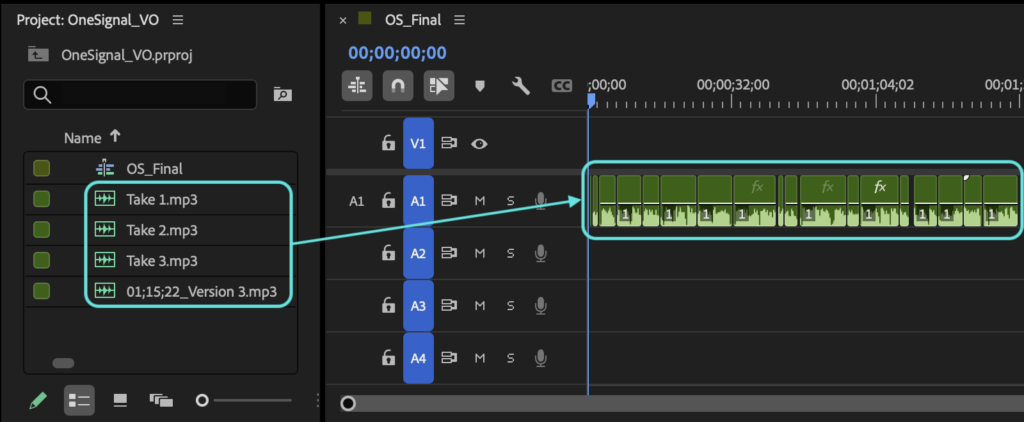
The voiceover was generated across multiple takes using AI voice tools, then selectively edited and timed in Premiere Pro to match the on-screen pacing and keep the narration clear and easy to follow.
Background music was intentionally excluded to support viewers consuming content at 1.25x to 1.5x speed, a common behavior in technical documentation where users prioritize information retrieval over experience.
• Storyboard
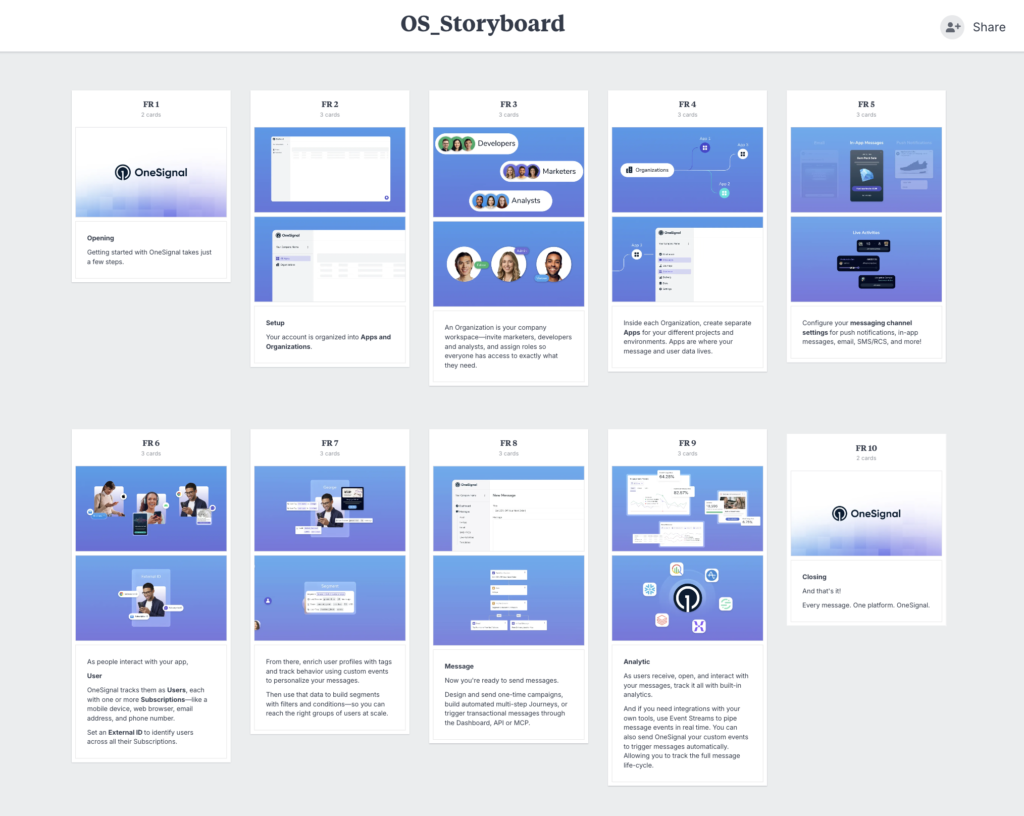
The storyboard mapped the script into a visual flow before animation began, showing how each concept would take on its own distinct visualization while staying within a single unified design system.
Motion Decisions for Technical Concepts
• One person can exist as many separate subscriptions across devices and channels, which makes identity confusing. Motion shows the External ID as the anchor that ties those subscriptions to a single user, then attaches tags and custom events to that one profile to drive personalized messages.
• A segment sounds abstract: it’s really just a set of filters and conditions. Motion makes it tangible by sending users through that filter, so only the ones who match come out the other side as a defined audience you can reach at scale.


• The full message lifecycle moves in both directions, which is hard to picture from words alone. Motion places OneSignal in the middle: a custom event flows in from a connected tool to trigger a message, the user responds, and that data flows back to the tool, closing the loop.
Outcome
OneSignal adopted the video as the primary onboarding asset on their Quickstart Guide documentation page, the first resource new users encounter when getting started. It is also published on the official OneSignal YouTube channel, working as the self-orientation layer it was designed to be.
Credits
Brand Guidelines & Assets – OneSignal